> ## Documentation Index
> Fetch the complete documentation index at: https://developers.autoplay.ai/llms.txt
> Use this file to discover all available pages before exploring further.
# Botpress tutorial
> Capture live website interactions with the Autoplay SDK and pull them into a Botpress agent on demand for real-time context.
Capture live website interactions with the Autoplay SDK and pull them into a Botpress agent on demand for real-time context.
## ✨ Final result
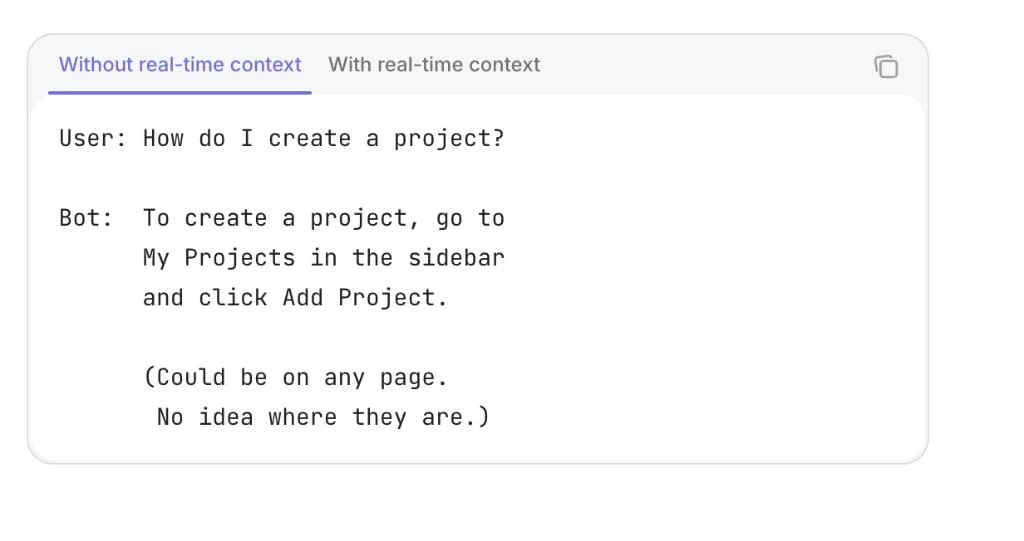
```text theme={null}
User: How do I create a project?
Bot: You're on the Pricing page comparing plans. Open My Projects from the sidebar,
click Add Project, then choose a workspace size that matches what you're configuring here.
(Knows canonical URL, recent clicks, and session — answers match where they are.)
```
**Video walkthrough** — [Open on YouTube](https://www.youtube.com/watch?v=S2_Oo_wfekI) if the player does not load.
***
## 📋 Prerequisites
Complete the [Quickstart](/quickstart). You should have:
* **Your activity source set up** — PostHog (or Amplitude) capturing events in your app, with `identify` (or `setUserId`) setting a stable `user_id` you can also reference inside Botpress
* **A registered product** — your `product_id`, `mcp_url`, and `mcp_key` from the [Quickstart](/quickstart)
* **A Botpress account** — with a bot created in [Botpress Studio](https://studio.botpress.cloud)
***
## The building blocks
Follow the steps in order — each page stands alone so you can ship incrementally.
1. **[Connect real-time events](./step-1-connect-real-time-events)** — Pull a user's live activity on demand from the Autoplay connector and wire an Autonomous Agent to answer with that context.
2. **[Define proactive triggers](./step-2-define-proactive-triggers)** — Proactively message users in Botpress based on what they're doing in your product. *(Coming soon)*